PhotoCraft, a free Photoshop alternative said to be built with AI, is available for anyone to download right now. But as of October 16, 2026, it isn’t at the point where you should cancel your Adobe subscription and trust it with your work files. The project itself calls it an "early alpha," and only about half of the PSD files made in actual Photoshop opened looking the same as they do in Photoshop.
The short version
- The editing app is free (MIT and Apache-2.0), but the real-work readiness the project gave itself on October 11 is about 45%.
- All the PSD numbers were measured by the project itself. Of the public test files, 307 of 309 kept the same appearance, but only 133 of 256 files made in actual Photoshop rendered the same.
- Download only from getartcraft.com and the GitHub storytold/photocraft releases, and check the checksum and signature yourself. AI generation credits are sold separately.
A free Photoshop alternative built with AI: what happened
On October 7, the photography outlet PetaPixel ran a story saying someone had used AI to rebuild free, open-source versions of Photoshop, Premiere, and Lightroom. The bundle of apps is called ArtCraft, and the one going after Photoshop’s spot is PhotoCraft.
According to Al Jazeera (October 14), Brandon Thomas, a software engineer in Atlanta, built the apps with the AI model Claude Opus 5.5 and the Rust programming language. Photographer Glyn Dewis wrote that the repository picked up 44,000 GitHub stars within eleven days of going public, and on October 16 the repository showed 64,100. Star counts show how much interest there is, not how finished the software is.
Outlets count the apps in the bundle differently. Phoronix says three, Al Jazeera says five when Office alternatives are included, and Glyn Dewis and OrcaRouter say seven. This article covers only PhotoCraft, the one meant to stand in for Photoshop.
Can it replace your Adobe subscription? How finished the project says it is
The clearest answer is in the project’s own documentation. The GitHub README says this:
PhotoCraft is in early alpha. … it is not yet a Photoshop replacement for daily professional work.
storytold/photocraft README, checked October 16, 2026
So PhotoCraft is an early alpha and, for now, not a program you can rely on instead of Photoshop for everyday professional work. The roadmap updated on October 11 also lists the current stage as alpha, with real-work readiness at about 45%.
The same roadmap shows that 14 of 68 Photoshop tools are still missing. Missing features include text on a path, Refine Hair, a backend for machine-learning features, printing, HDR, and the timeline. The project’s bar for beta is about 75% readiness plus stable PSD support.
| When | Project’s own rating | Where it appears |
|---|---|---|
| Around October 5 | 25–35% of a professional’s everyday work | Cited by reviews including Glyn Dewis and OrcaRouter |
| October 11 | Alpha, about 45% real-work readiness | Project roadmap |
| To reach beta | About 75% readiness + stable PSD support | Project roadmap |
The 25–35% figure cited in several reviews is an older number. It rose within days, but both values were assigned by the project itself, and neither has gone through an outside audit.
PSD compatibility: the numbers change with the test set
PhotoCraft can open and save layered PSD and PSB files (official page). What matters is how faithfully it opens them. The numbers the project has published run from the 99% range down to 52%, depending on which files were tested.
| Test | Result | Source |
|---|---|---|
| Public test files (psd-tools) keep the same appearance after being re-saved | 307 of 309 | Project wiki |
| Same appearance kept in a mixed ag-psd and psd-tools set | 169 of 170 | Project wiki |
| Shape layers match Photoshop’s pixels | 116 of 116 | Project wiki |
| Real test files stay byte-identical after being opened and saved | 134 of 135 | Official site |
| Files made in actual Photoshop render the same as in Photoshop | 133 of 256 (about 52%); the goal is 200 or more | Project roadmap |
All five rows come from the project’s own tests; no independent organization has measured them. The top two rows (309 and 170 files) use test files from other open-source PSD libraries, psd-tools and ag-psd. The wiki doesn’t say which file set the 116 shape layers came from.
The "byte-level round trip" in the fourth row checks whether a file’s contents stay unchanged after it’s opened and saved. It doesn’t guarantee the file will look on screen exactly as it does in Photoshop. The test of whether files made in Photoshop render the same as in Photoshop is the last row, which makes it the closest to real work.
The other direction isn’t perfect either. The roadmap says most exported files open in Photoshop (smart objects checked), but some don’t.
User reports point the same way. One Hacker News user (cristian-m) said that editing a PSD containing smart objects left the result completely broken. Popular AI found that PSDs with simple to moderately complex layers opened well, but that files relying on Photoshop-specific behavior quickly became hard to trust.
So keep the original and open a copy of any PSD. Don’t overwrite the original until you’ve run a round-trip test by saving the file in PhotoCraft and reopening it in Photoshop.
PhotoCraft reviews: test results from five sources
Here are the test write-ups and user reports published in October. The versions tested range from v0.3.0 to v0.8.2, and v0.9.0 came out on October 14, so the earlier the test, the more it may differ from the current version. OMG! Ubuntu, for example, tested v0.3.0, and v0.5.0 was already out by the time its article ran.
| Who (when) | Tool and version | Time taken | Cost | Results |
|---|---|---|---|---|
| Popular AI (October 13) | PhotoCraft v0.8.2 | Not disclosed | Not disclosed | Said layers, masks, filters, adjustments, basic compositing, and transforms feel like software rather than a prototype. PSDs with simple to moderately complex layers worked well, but trust dropped quickly with files relying on Photoshop-specific behavior. Lag was reproducible with large brushes on high-resolution canvases (a brush smoothing setting couldn’t be ruled out as the cause) |
| David Fekke (October 11) | PhotoCraft, version not disclosed | Not disclosed | Not disclosed | Levels and Curves color correction worked as in Photoshop. The Path tool behaves differently from Photoshop, and the selection tools are also weak. A bug made layers with a drop shadow take up the full image area instead of just the object. Said it can’t be used for professional work and is keeping his subscription |
| OMG! Ubuntu Joey Sneddon (October) | PhotoCraft v0.3.0 AppImage, Ubuntu on a low-spec Chuwi laptop | Not disclosed | Not disclosed | Starts very quickly and stays responsive on low-spec hardware. Memory use climbed to about 5GB within minutes of opening a PSD. The UI is closer to Photoshop than GIMP-style apps, but results and behavior differ, so the resemblance was judged only superficial. Concluded that light editors may barely notice the differences, but that they add up for professionals in daily work |
| Hacker News users (October) | PhotoCraft, various versions (one user specified v0.7.0) | Not disclosed | Not disclosed | jenniferhooley: on v0.7.0, every feature tested was buggy or unstable (slow brushes, lag, panel problems). cristian-m: editing a PSD with smart objects left the result completely broken. skeaker: mostly fine apart from detaching panels. sergiotapia: handles the work they need well. W3cUYxYwmXb5c: no problems, but couldn’t import actions |
| NeoNomadJ (October 13) | PhotoCraft and LightCraft, version and OS not disclosed | Not disclosed | Not disclosed | Installed it on a laptop, opened a PNG, checked the brush options bar, and switched to the "Essentials" workspace. Reported that Korean menus were included. Found it usable for light personal edits such as cropping, brightness, and text, but advised professionals to stay with their existing tools. Did not test PSDs |
The test setups differ too. Popular AI tested on a machine with 48GB of graphics memory (VRAM) and didn’t do long painting sessions. OMG! Ubuntu used a low-spec laptop, and most of the others didn’t disclose their hardware.
Verdicts split according to how complex the work is. Popular AI said PhotoCraft is already good enough to recommend installing, but not good enough to recommend blindly replacing Photoshop with it. Its conclusion was that the dividing line isn’t whether the app runs but how complex the work is.
David Fekke, on the other hand, said the path and selection tool problems and the drop shadow bug rule it out for professional work, and that he’ll keep his Creative Cloud subscription. Hacker News also has both a report of bugs in every feature tested on v0.7.0 and a report that it handles the work needed well.
Korean menus can’t be confirmed from the official documentation. The README mentions only Japanese UI fonts, but Korean blogger NeoNomadJ wrote after installing it on October 13 that Korean was fully included. This blogger didn’t disclose the version or operating system.
Downloading PhotoCraft: official sources and lookalike sites
There are two official routes.
- PhotoCraft page on getartcraft.com: the project points to this as the easiest way to install, and it offers a launcher.
- GitHub storytold/photocraft releases: files are posted for macOS, Windows (64-bit, 32-bit, ARM64), Linux, FreeBSD, and the web (WebAssembly), and each release includes a SHA256SUMS.txt. As of October 16, the latest is v0.9.0, released on October 14.
Be careful with sites that have similar names. photocraft.one, for example, doesn’t identify its operator and advertises a 14-day free trial with no credit card required, even though the app is free and released under MIT and Apache licenses.
According to an automated assessment by security company Gridinsoft on October 8, this site’s domain was registered on October 7, the day the PetaPixel article came out. Its trust score was 57/100, and 1 of 25 rating sources flagged it as suspicious, earning it an "Unsettled Website" verdict. It hasn’t been confirmed as malicious, and its download links do lead to the GitHub storytold releases, but there’s no reason to go through this site to get the app.
Don’t assume the code signature is there; check it yourself
The README states that the Windows installers and executables are code-signed. But according to the release documentation, the signing secrets are all optional, and if any one of them is missing, that platform’s files ship unsigned with only a warning. Going by the documentation, unsigned builds could be distributed.
On October 10, a security issue was also filed saying the client used to sign Windows releases is downloaded without version pinning or integrity verification. As of October 16, the issue remains open at high priority, and the related pull request (PR #3938) hasn’t been merged yet. The reporter said they reviewed only the source code.
What to check before and after downloading
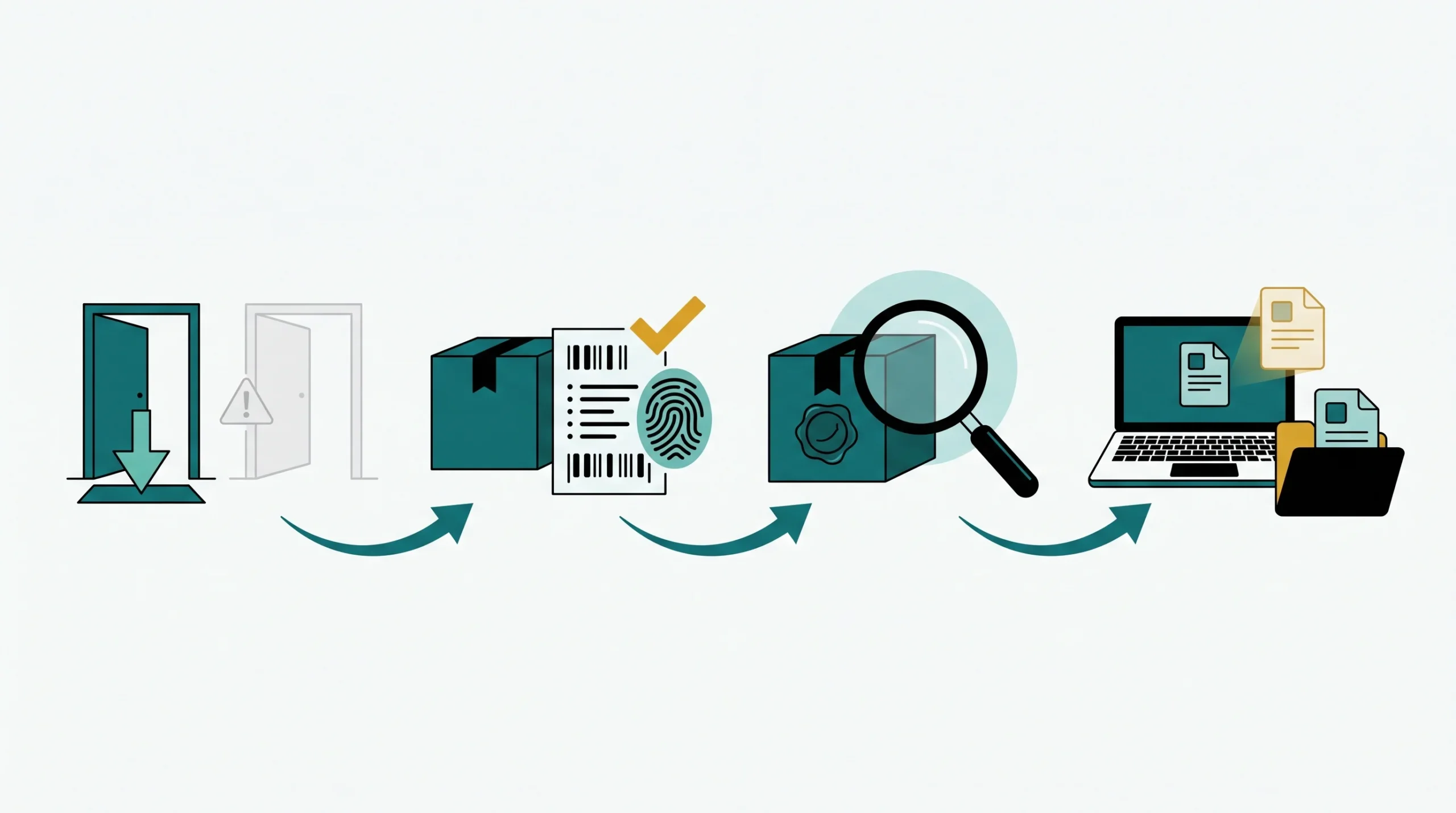
- Download only from the two official sources above. Don’t go through domains with similar names.
- Compare the SHA256 value of the downloaded file with the value in SHA256SUMS.txt from the same release. If they differ, don’t install that file.
- Check the signature before installing. The commands and criteria for each operating system are in the table below. Glyn Dewis also recommends checking for a signed publisher before installing.
- Open a copy first, not your original work files.
- If you plan to pay for AI credits, start the payment by clicking a plan button on the pricing page with getartcraft.com showing in the address bar. The pricing page says payments are handled by Stripe. Don’t enter card details on a payment screen you reached from another similarly named site.
You can get the SHA256 value with commands built into your operating system. Replace the file name with the name of the file you downloaded.
# Windows (PowerShell)
Get-FileHash .\downloaded-file -Algorithm SHA256

# macOS (Terminal)
shasum -a 256 downloaded-file

# Linux
sha256sum downloaded-file
Signature checks differ by operating system. On Windows, use PowerShell’s Get-AuthenticodeSignature; on macOS, use the spctl command in Terminal.
# Windows (PowerShell): signature status (Status) and signer name
Get-AuthenticodeSignature .\downloaded-file
(Get-AuthenticodeSignature .\downloaded-file).SignerCertificate.Subject

# macOS (Terminal): signature and notarization status
spctl -a -v installed-app.app| Operating system | Check command | Expected result | If you see something else |
|---|---|---|---|
| Windows (.msi, .exe) | Get-AuthenticodeSignature | Status is Valid and the signer name (Subject) shows Learning Machines LLC | If it’s NotSigned or you can’t determine the signer, decide based on the SHA256 comparison in step 2. If it’s HashMismatch (the hash stored with the signature differs from the file’s hash), don’t install |
| macOS (app inside the DMG) | spctl -a -v | accepted and source=Notarized Developer ID appear together | source=Developer ID means signed but not notarized (the README says it’s notarized). In that case, or if it isn’t accepted, decide based on the SHA256 comparison in step 2 before opening |
| Linux (no signing guidance in the documentation), FreeBSD (unsigned) | No way to check a signature | — | Decide based only on the SHA256 comparison in step 2 |
Microsoft’s documentation explains that Valid only means the signature format is correct, not that the file is guaranteed trustworthy. That’s why on Windows you also need to check the signer name.
The Windows signer name isn’t listed separately in the project’s documentation. However, the release documentation sets the company name in the Windows file information to Learning Machines LLC and gives the macOS signing identity as "Developer ID Application: Learning Machines LLC (DJ6XS33FX8)." The Windows criterion in the table follows that name.
Why a free app has a checkout page: AI credit plans
The editing app is free under the MIT or Apache-2.0 license. ArtCraft makes its money by separately selling credits for AI image and video generation. As of October 16, 2026, the pricing page lists annual billing prices as follows.
| Plan | Monthly price with annual billing | List price (monthly) | Credits |
|---|---|---|---|
| Basic | $8 | $10 | 1,000 |
| Pro | $28 | $35 | 3,750 |
| Max | $48 | $60 | 6,600 |
The pricing page also notes that you can use ArtCraft without paying for a subscription. For comparison, Al Jazeera reported Adobe’s US pricing as $779.99 prepaid for the year or $69.99 a month on an annual commitment. Popular AI listed Creative Cloud Standard at $54.99 a month and Pro at $69.99 a month as of October 13.
Glyn Dewis took aim at how a project that presents itself as anti-subscription earns money through AI credit subscriptions. He also cited the 2022 investigation by Italy’s data protection authority into FakeYou, a service the developer previously ran, and said he won’t install ArtCraft in its current form. That said, his piece is an opinion based on reading coverage and the website, not a hands-on review.
On Hacker News, a user who appears to be the developer (echelon) replied that it’s still very early alpha, that everything is MIT/Apache licensed, and that there’s no telemetry (usage data collection) and no paywall.
The copyright debate over an AI-built Photoshop clone
The README introduces PhotoCraft as an open-source clean-room reimplementation of Adobe Photoshop, built only from public specifications and observed behavior. A clean-room approach means building something new without looking at the original code, referring only to public documents and outwardly visible behavior.
The README itself doesn’t say the app was made with an AI like Claude. The use of Claude became known through reporting by Al Jazeera, AI Times, and others. What the repository does offer is a command-line tool (CLI) and an MCP server that let AI agents operate the app.
In the Al Jazeera article, University of Sussex copyright expert Professor Andres Guadamuz said there’s no knowing whether the claimed clean-room process would hold up under scrutiny. In an October 12 article, AI Times relayed experts’ warnings that because the project copies Adobe’s interface and main product lineup wholesale, it’s likely to face copyright infringement warnings or legal action. Neither article included a response from Adobe.
The question of whether you can rebuild an existing program with AI and release it comes up in games too. We covered a similar issue in AI Game Remakes: Can You Port Old Game Code and Distribute It?
What PhotoCraft can and can’t do in place of Photoshop right now
| Task | Current verdict | Basis |
|---|---|---|
| Basic editing such as cropping, brightness, Levels/Curves, layers, and text | Worth trying for free | Popular AI, David Fekke, NeoNomadJ |
| PSDs with simple to moderately complex layers | Reported as usable; open a copy | Popular AI |
| PSDs relying on Photoshop-specific behavior such as smart objects | May break | Hacker News user reports, Popular AI, the roadmap’s 133/256 |
| Photoshop actions | Reported as not importable | Hacker News user report |
| Text on a path, printing, HDR, timeline | Not available yet | Project roadmap |
| PSD work for clients or on a deadline | Keep your subscription until you’ve run a round-trip test | Judgment based on the results above |
As a free tool for light personal editing, it’s fine to install now. To decide whether to cancel your Adobe subscription, open and save copies of a few real work files in PhotoCraft, then reopen them in Photoshop to see whether they still look the same. This round-trip test requires Photoshop, so it’s best done while you still have your subscription.
Updates are coming out quickly, so this verdict may not last long. When a new version appears, start by checking how the roadmap’s readiness figure has changed, along with how many of the 256 Photoshop-made files now render the same.